Keep projects moving.
Switch workspaces, navigate panes, review changes, and respond to waiting terminals from your controller.
An agentic development environment with lightning-fast editors, attention-driven terminals and push-to-talk. Easy on your machine. Easy on you.

ATTENTION VIEW
Run Codex CLI, Claude Code, or other terminal agents across all your projects in parallel. A single Attention View brings together the terminals that need you.
How Attention View worksPROJECT WORKSPACES
Keep your code beside the terminals running it. Follow errors straight to the source, arrange panes around the task, and switch between projects without interrupting running sessions.

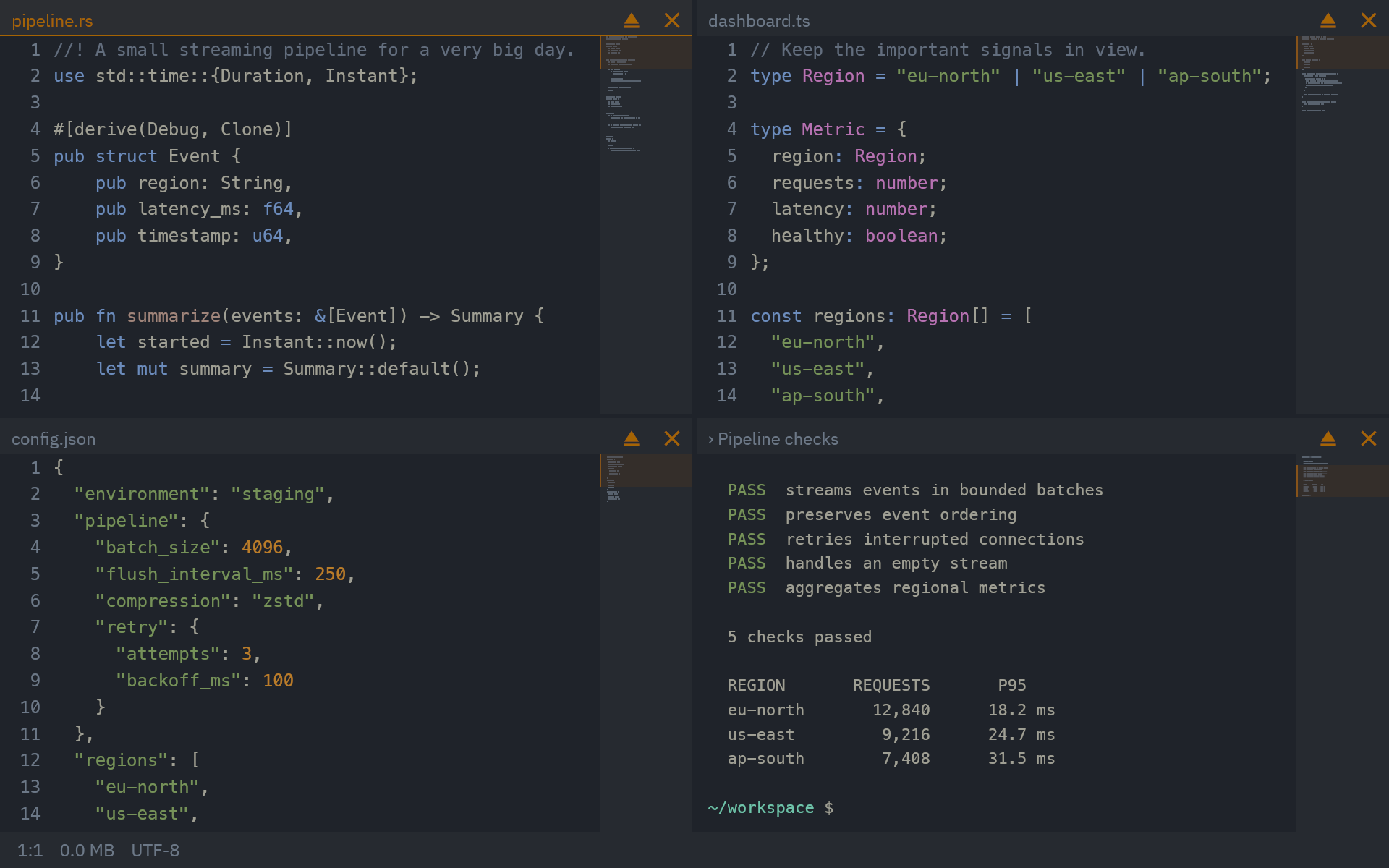
Actual app capture with sample code and terminal output.
Group views, swap panes, or expand one. Edits and running sessions are preserved as you rearrange.
Loaded workspaces retain buffers and live terminals while you move between projects.
View different parts of a document with independent scrolling and selections. Edits and undo are shared.
OVERVIEW
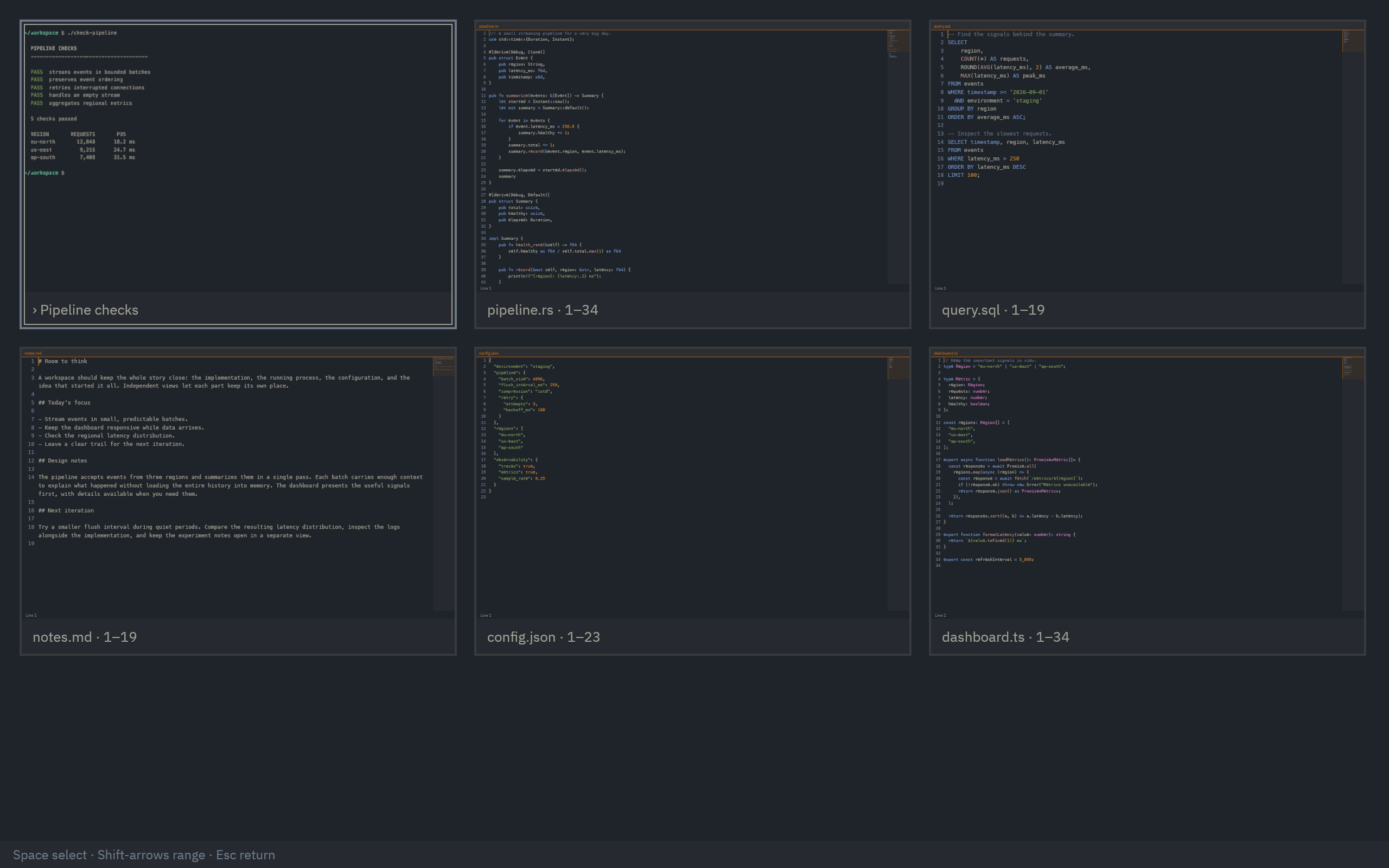
Overview shows your open files, terminals, and split groups as visual previews. Search for a view, switch to it, or group it with others.
Recognize files, terminals, and split groups by their visual previews.
Search names, paths, terminal directories, and displayed preview text.
Select related views and arrange them into one working group.
VOICE + CONTROLLER
Use a controller to switch projects and review changes. Hold a trigger and tell the built-in agent what to send to your CLI agent. Play a game while they’re busy, and step in when they need you.

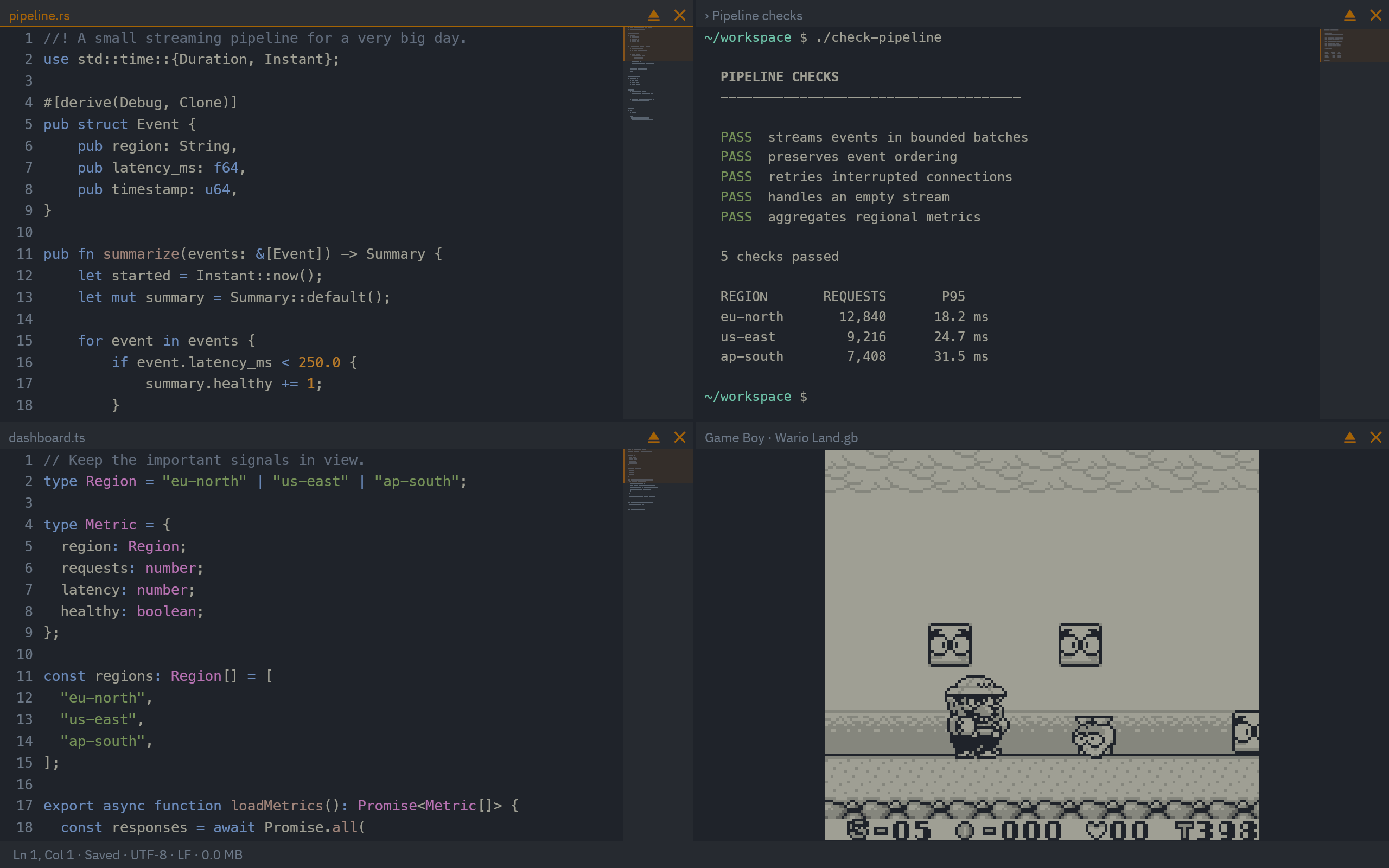
Switch workspaces, navigate panes, review changes, and respond to waiting terminals from your controller.
Hold a controller trigger to give your agent an instruction. Release to send it, with the context of your current view.
The built-in Game Boy and Game Boy Color emulator lives beside your running sessions. Bring your own ROMs.
AI MODELS
Use your own API key, your existing Codex sign-in, or a compatible local model. Ask an agent to explain code, investigate terminal errors, make edits, and navigate your workspace.
THEMES + POST FX
Choose from 64 palettes, save settings profiles, and configure visual effects. Make the workspace look and feel like yours.
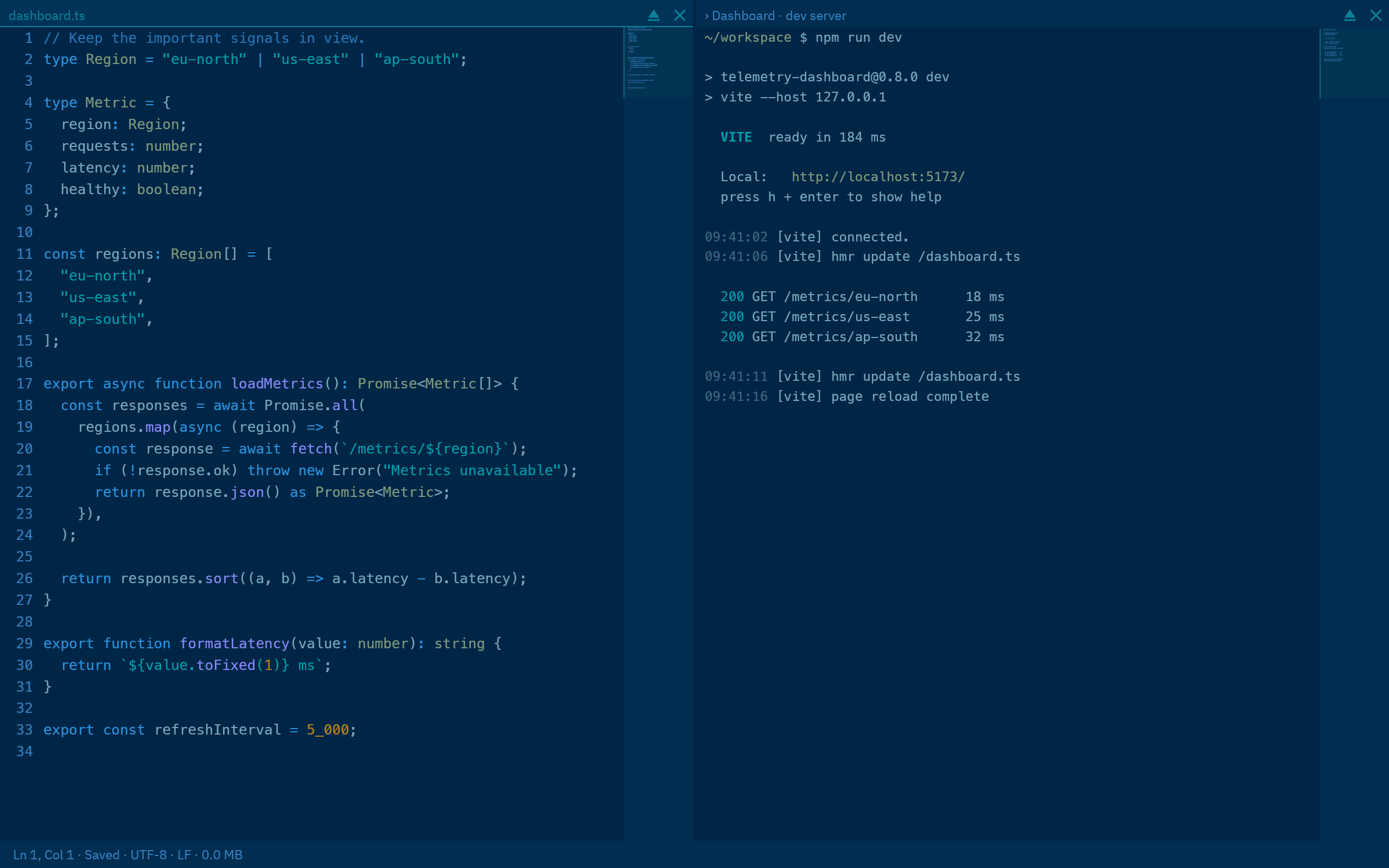
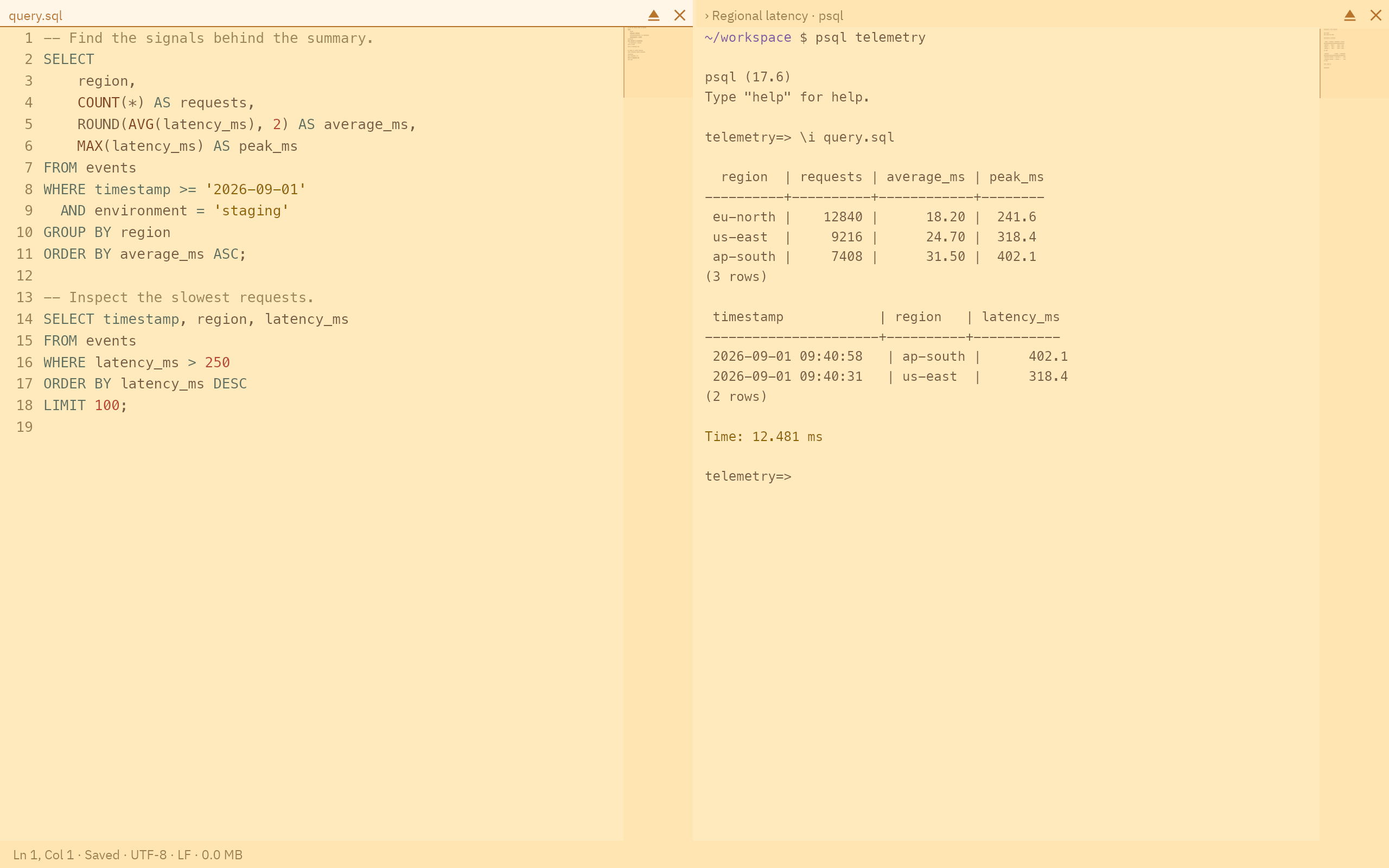
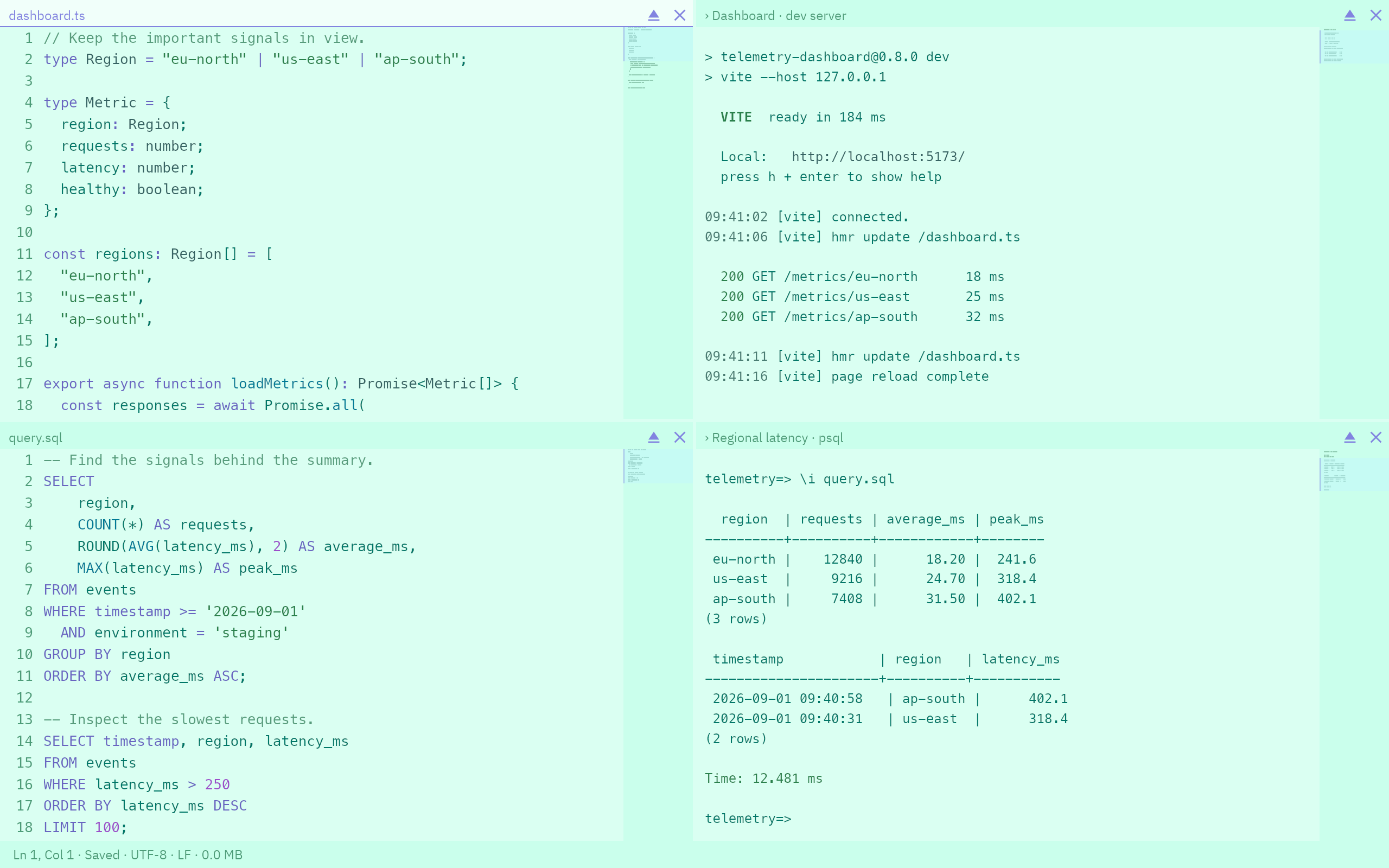
Deep sea theme
32 light. 32 dark. Adjust colors across the whole workspace.
Custom WGSL shaders. Load and hot-reload custom WGSL shaders.
Settings profiles. Save your setup and switch between profiles.
PERFORMANCE
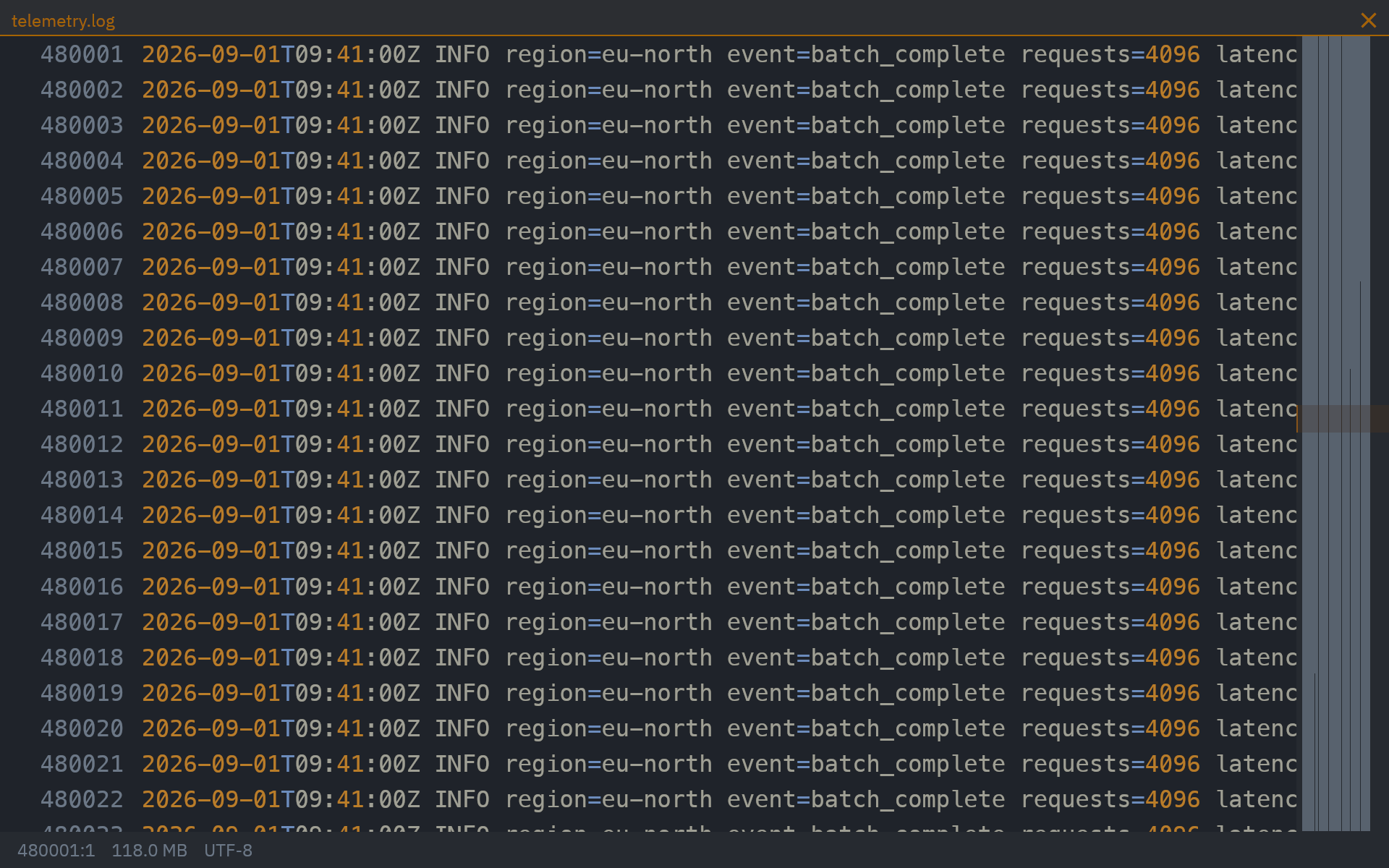
Open large logs, search through source files, and keep editing while files load, save, and update. Keep projects running without putting your own work on hold.
Inside the editorScroll through long documents, find the lines you need, and make changes while syntax highlighting catches up.
Return to your files, layout, unfinished edits, and undo history after restarting the app.
Language tools and AI are optional. Ordinary editing and terminals need no agent account.
COMMON QUESTIONS
Available for macOS 13 and later. Windows and Linux are coming soon.
No. Editing, terminal use, and controller navigation work without one. To use an agent, connect your API key, Codex sign-in, or a compatible local model.
Your editor and terminals run locally. Your chosen AI provider receives the information sent to the agent. For speech, require on-device recognition in settings where supported, or use a cloud service that receives your audio. Read the speech details.
Terminals continue running while you switch between loaded workspaces. After reopening the app, terminals start in their previous folders and show recent output. Previously running commands need to be started again. Your files, layout, and unfinished edits are restored too.
FEATURE DETAILS